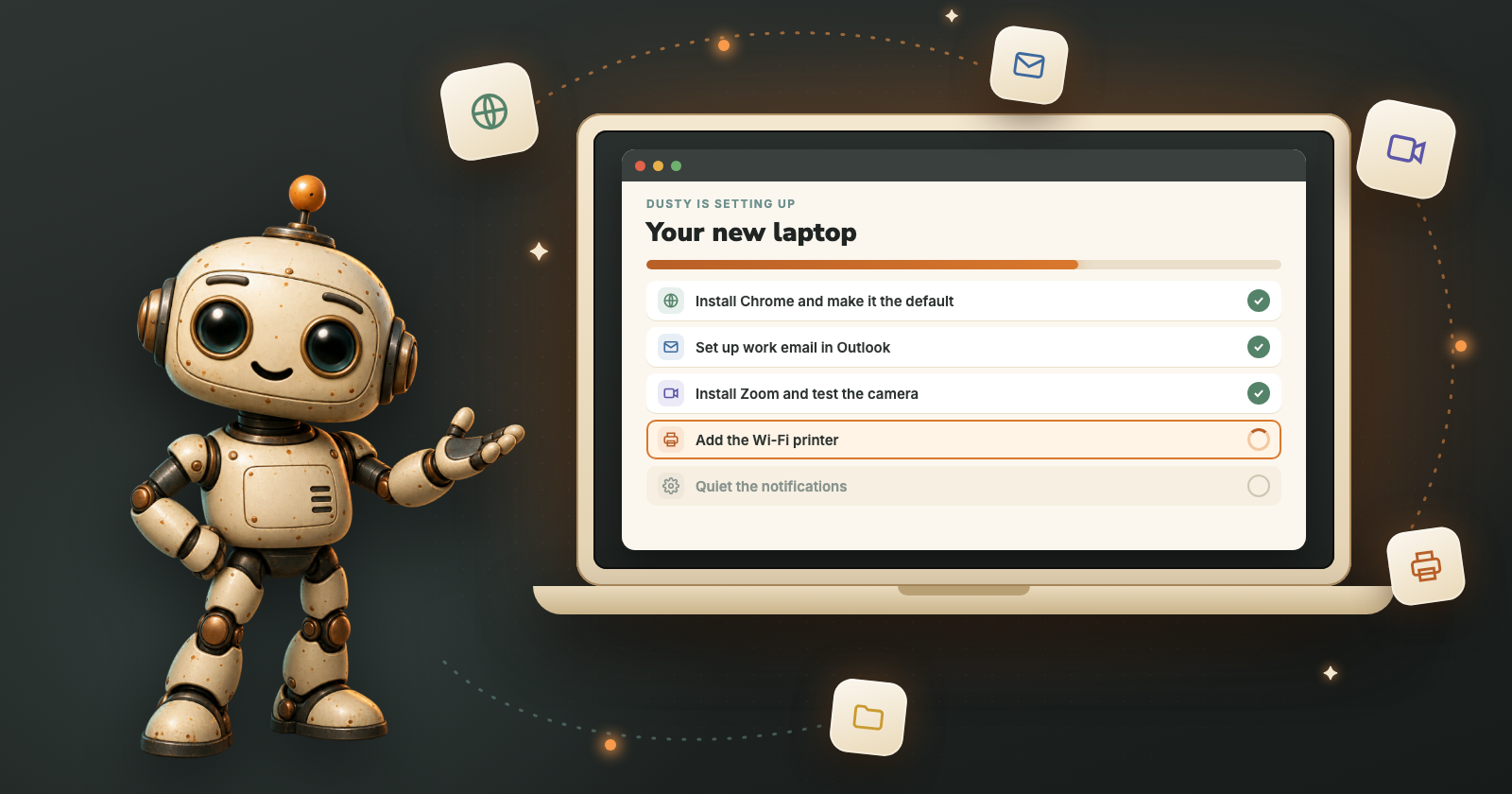
A new computer should feel like a fresh start. Instead the first evening goes to installing the same apps again, signing in to everything, finding the printer and turning off a dozen pop-ups. Hand Dusty the list, and spend the evening on something else.
The first-day list nobody enjoys
Every new computer needs roughly the same things before it feels like yours:
None of it is hard. It is just a long list of small jobs in different corners of the computer, and each one is a little different on Windows and on a Mac.
How Dusty handles it
Give Dusty your list
Ask for one thing at a time or the whole list at once, in your own words.
Approve the plan
Dusty turns your list into steps and shows them before it starts.
It installs and checks
Dusty installs each app, then opens it to make sure it works. Name the store or site you trust, and it uses that.
You type the passwords
Installing an app often needs your computer’s password, and email needs yours. Dusty pauses at each one and you type it.
It reports back
What is set up, what it checked, and anything left for you to decide.
Try asking Dusty
“Install Teams and make sure it opens.”
“Set up my work email in Outlook.”
“Make the text on my screen bigger.”
Save the list as a task
Write your setup list once in DustyWire and give it a name, like “Set up my computer”. Next time there is a new laptop, or a family member’s computer to sort out, sign in to Dusty there and run it by name.
What still needs you
Passwords, sign-in codes and the computer’s own “allow this app” prompts are yours: Dusty pauses and waits. Copying your files across from the old computer depends on where they are, so tell Dusty whether they are on a USB drive or in a cloud folder like OneDrive or iCloud Drive, and it can take it from there.
You stay in control
You approve the plan
Dusty shows you its plan first. Nothing runs until you say go.
Passwords stay yours
When a sign-in or a code is needed, Dusty pauses and you type it yourself.
Step in any time
Move the mouse or press a key and Dusty waits, then picks up where it left off.
Tell it where to stop
“Stop before payment.” “Show me before the final confirmation.”

Hand it to Dusty
Download Dusty for Windows or Mac and start free: $5 of credit when you confirm your email, then pay only for what you use. No subscription.